
Community • 6 Min. Lesezeit
Automatisiere den Community-Zugang mit ablefy
Kurz gesagt
Du musst Käufe nicht mehr in Excel abgleichen oder Mitglieder nach einer Kündigung von Hand entfernen.
Verknüpfe deine Community mit einem ablefy-Produkt: Nach dem Kauf erhalten Käufer:innen automatisch Zugang – endet das Abo oder wird eine Zahlung storniert, entzieht foroom den Zugang wieder.
🔍 Warum Automatisierung statt manueller Listen
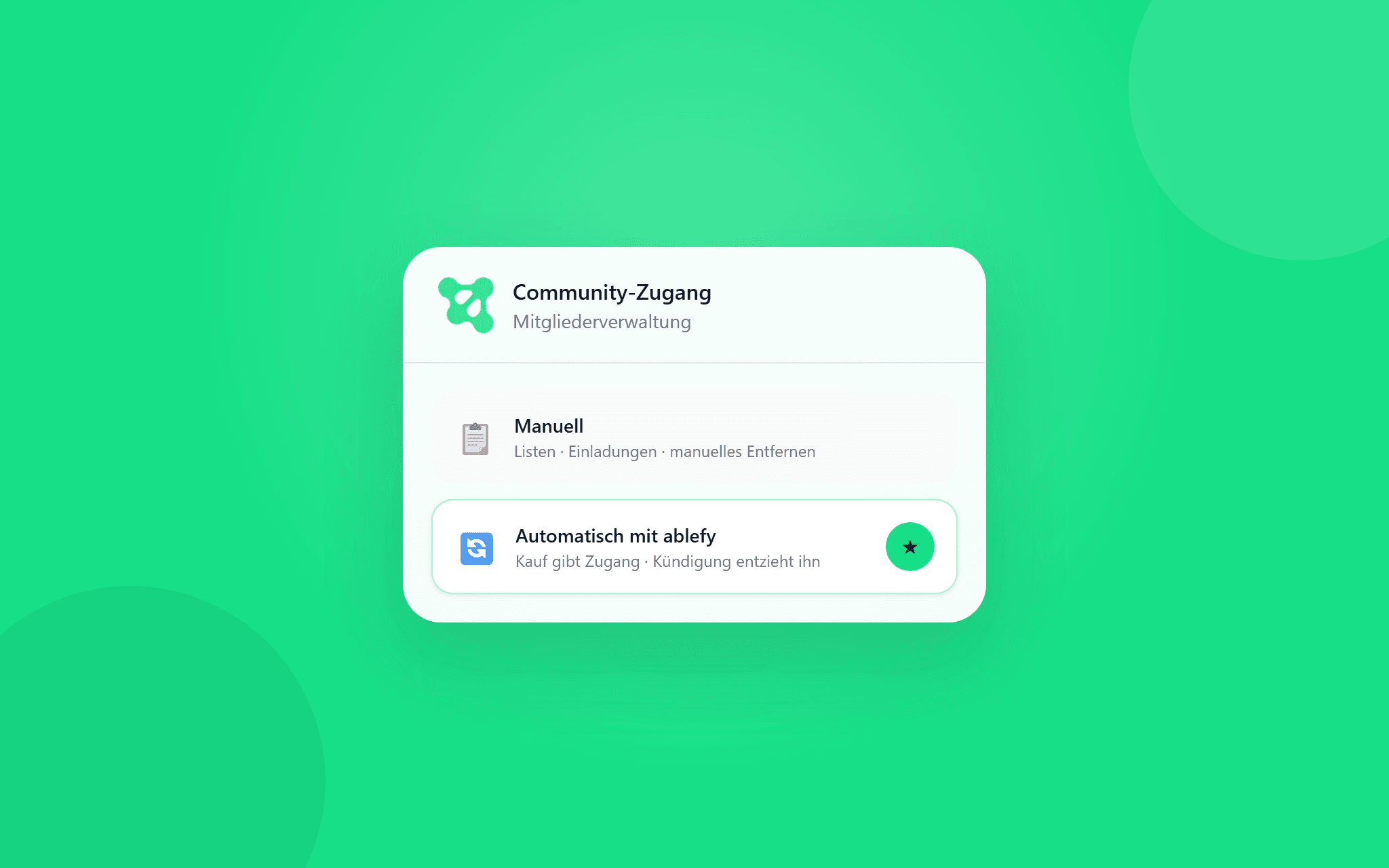
Viele Community-Ersteller:innen verwalten Zugänge noch manuell: Käufe in Tabellen pflegen, Einladungen versenden und Mitglieder einzeln entfernen, wenn ein Abo endet.
Das kostet Zeit und birgt Risiken – zum Beispiel, wenn nach einer Kündigung noch jemand in der Community bleibt.
Mit der ablefy-Integration übernimmt foroom Zugang und Entzug für alle Käufer:innen des verknüpften Produkts. Du richtest die Verknüpfung einmal ein; danach läuft die Mitgliederverwaltung im Hintergrund.
Welche Zugangsmodelle (kostenlos, Abo, Einmalzahlung) möglich sind, erklären wir im Artikel „Community kostenlos oder kostenpflichtig anbieten“.
⚙️ ablefy-Produkt mit deiner Community verknüpfen
Du verbindest dein ablefy-Konto in den Community-Einstellungen und wählst das Produkt, über das der Zugang gesteuert wird.
1. ablefy-Konto verbinden und Produkt auswählen
Öffne die Einstellungen deiner Community und gehe zum Bereich Mitgliederzugang (oder Zugang).
Wähle Zugang über ablefy und klicke auf ablefy-Konto verbinden, falls du noch nicht eingeloggt bist.
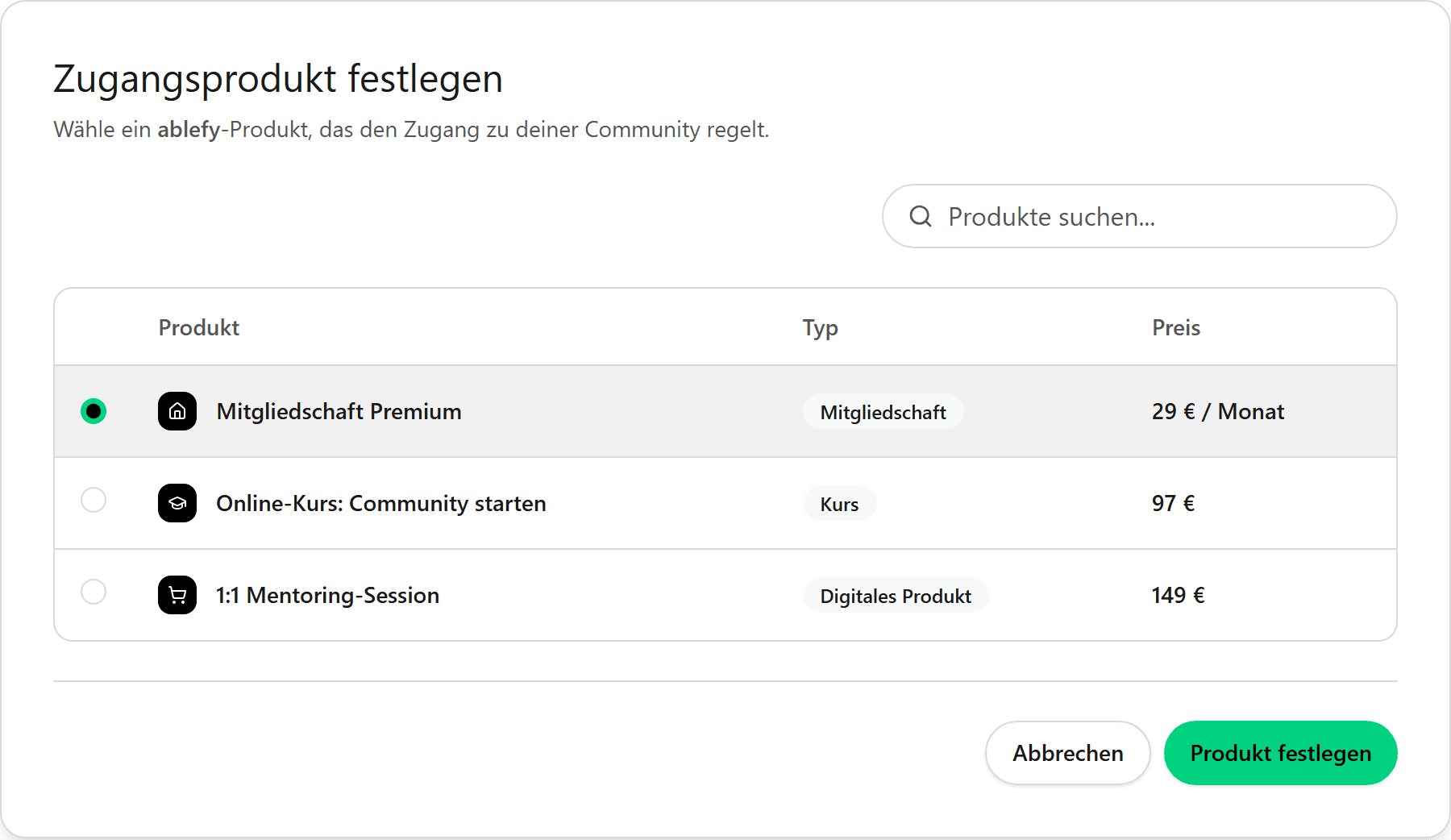
Im Dialog wählst du ein veröffentlichtes, kostenpflichtiges ablefy-Produkt aus – zum Beispiel eine Mitgliedschaft, einen Kurs oder ein Abo.
2. Verknüpfung speichern und Sync prüfen
Hinweis
Das Produkt muss in ablefy die Verkaufsfreigabe haben, damit es in foroom auswählbar ist.
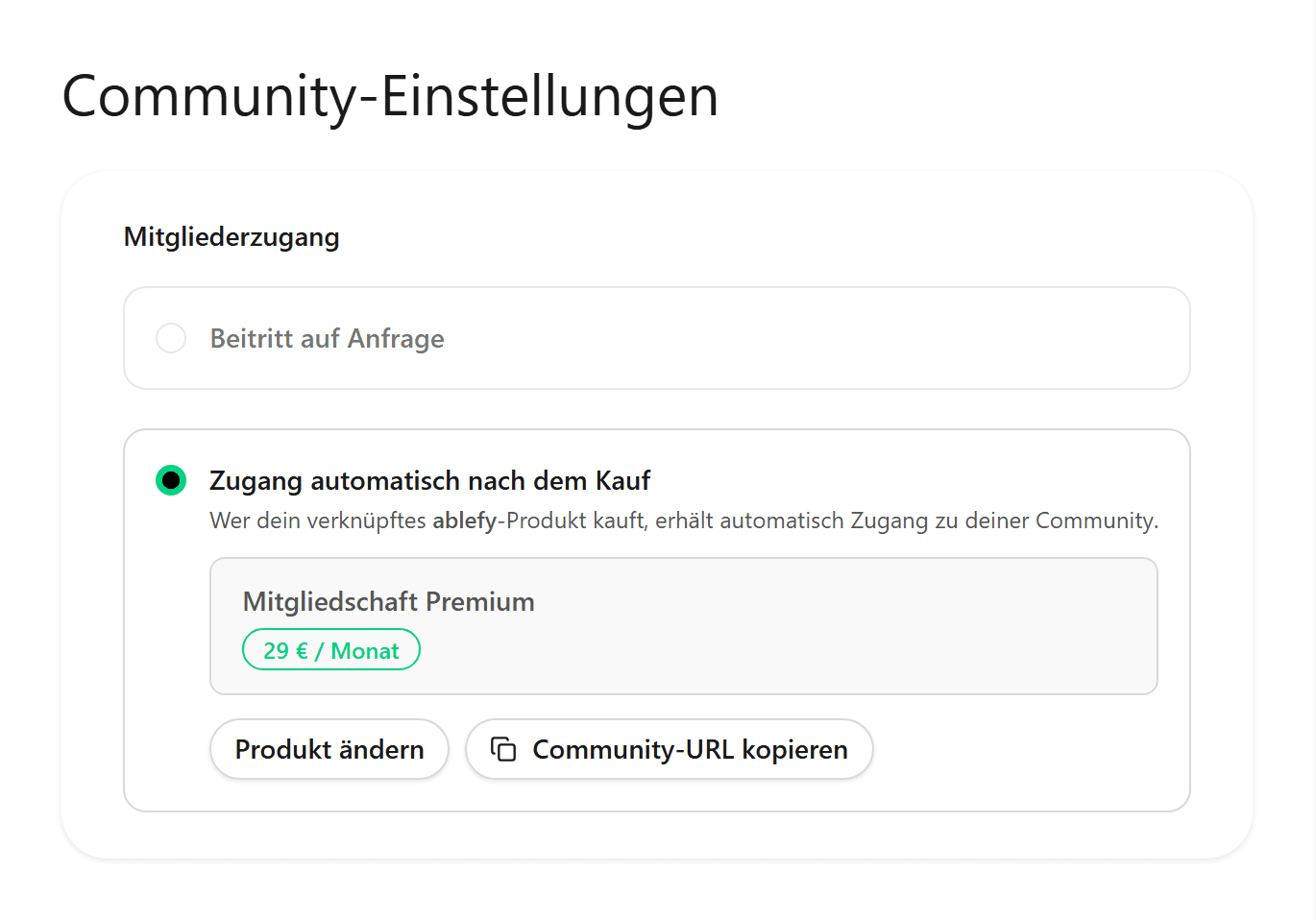
Bestätige die Auswahl. foroom zeigt dir das verknüpfte Produkt und dass die automatische Zugangsverwaltung aktiv ist.
Ab jetzt werden Käufer:innen des Produkts mit deiner Community synchronisiert – du musst keine separaten Einladungslisten mehr pflegen.
💡 Was automatisch passiert – und wann der Zugang endet
Sobald die Verknüpfung steht, musst du bei jedem einzelnen Kauf nichts mehr freischalten:
• Produktkauf → Zugang zur Community wird automatisch gewährt
• Kündigung oder Ablauf eines Abos → Zugang wird automatisch entzogen
• Storno oder fehlgeschlagene Verlängerung → kein dauerhafter Zugang ohne gültigen Kauf
Dein Support muss niemanden mehr manuell aus der Gruppe entfernen, nur weil ein Abo ausgelaufen ist.
👀 So sieht es für Mitglieder aus
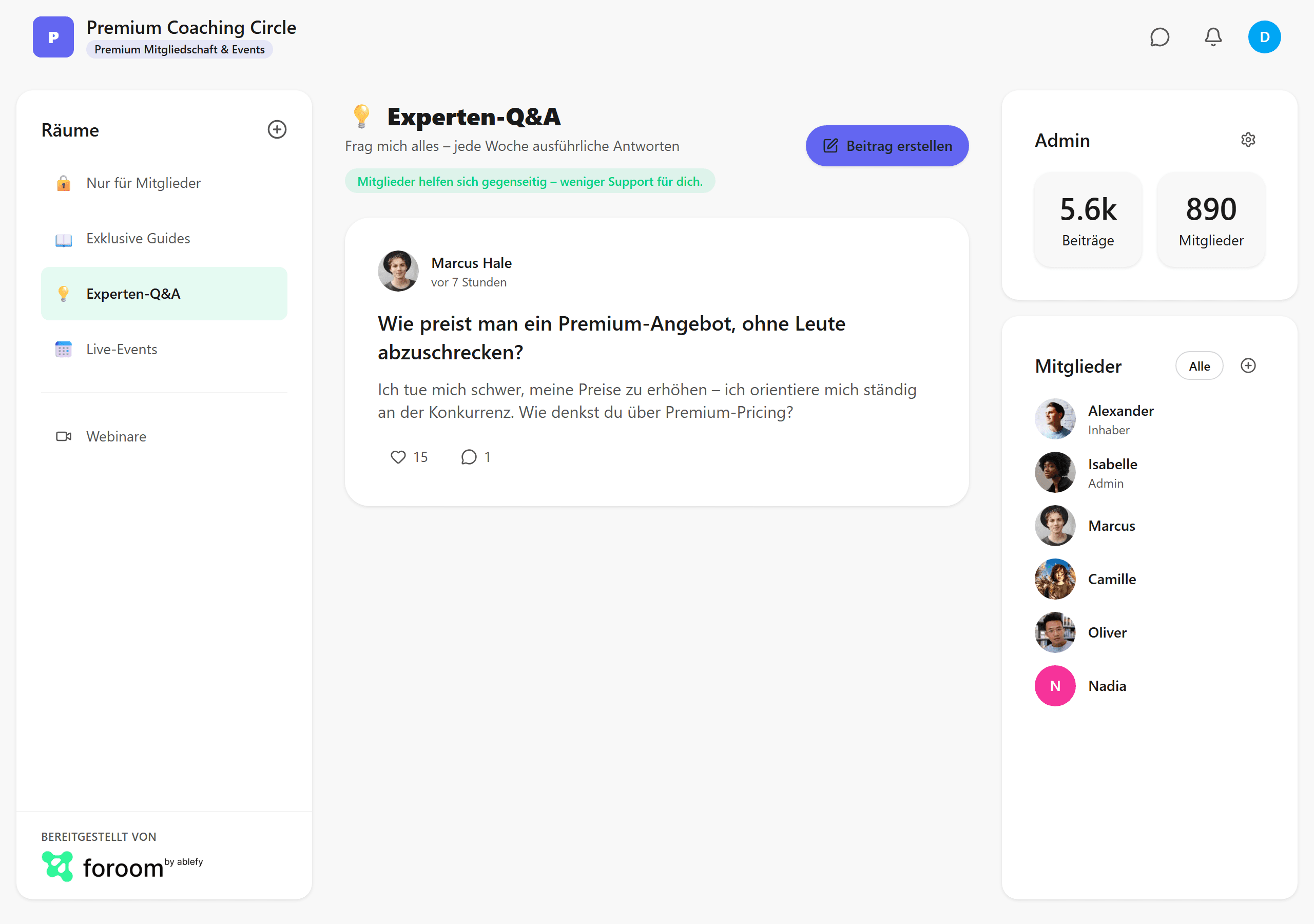
Nach dem Kauf über ablefy landen Mitglieder direkt in deiner Community – in Räumen, im Feed und in der Mitgliederliste, wie du sie eingerichtet hast.
Wenn der Zugang endet, können sie die Community nicht mehr nutzen – ohne dass du Listen aktualisieren musst.