Community • 5 Min. Lesezeit
Produkte direkt in deiner Community präsentieren – mit dem Produkt-Highlight
Kurz gesagt
Mit dem Produkt-Highlight in foroom hebst du ein ablefy-Produkt in deiner Community hervor. Mitglieder sehen es dauerhaft in der Sidebar und können das Angebot direkt öffnen.
Du wählst genau ein Produkt aus, das zu deinem Angebot passt — ohne manuelle Links in Posts oder Nachrichten. Checkout und Zahlung laufen über die direkte ablefy-Integration.
🔍 Überblick: Was das Produkt-Highlight macht
Das Produkt-Highlight ist ein empfohlenes Angebot pro Community — getrennt vom Community-Zugang über ein verknüpftes Produkt.
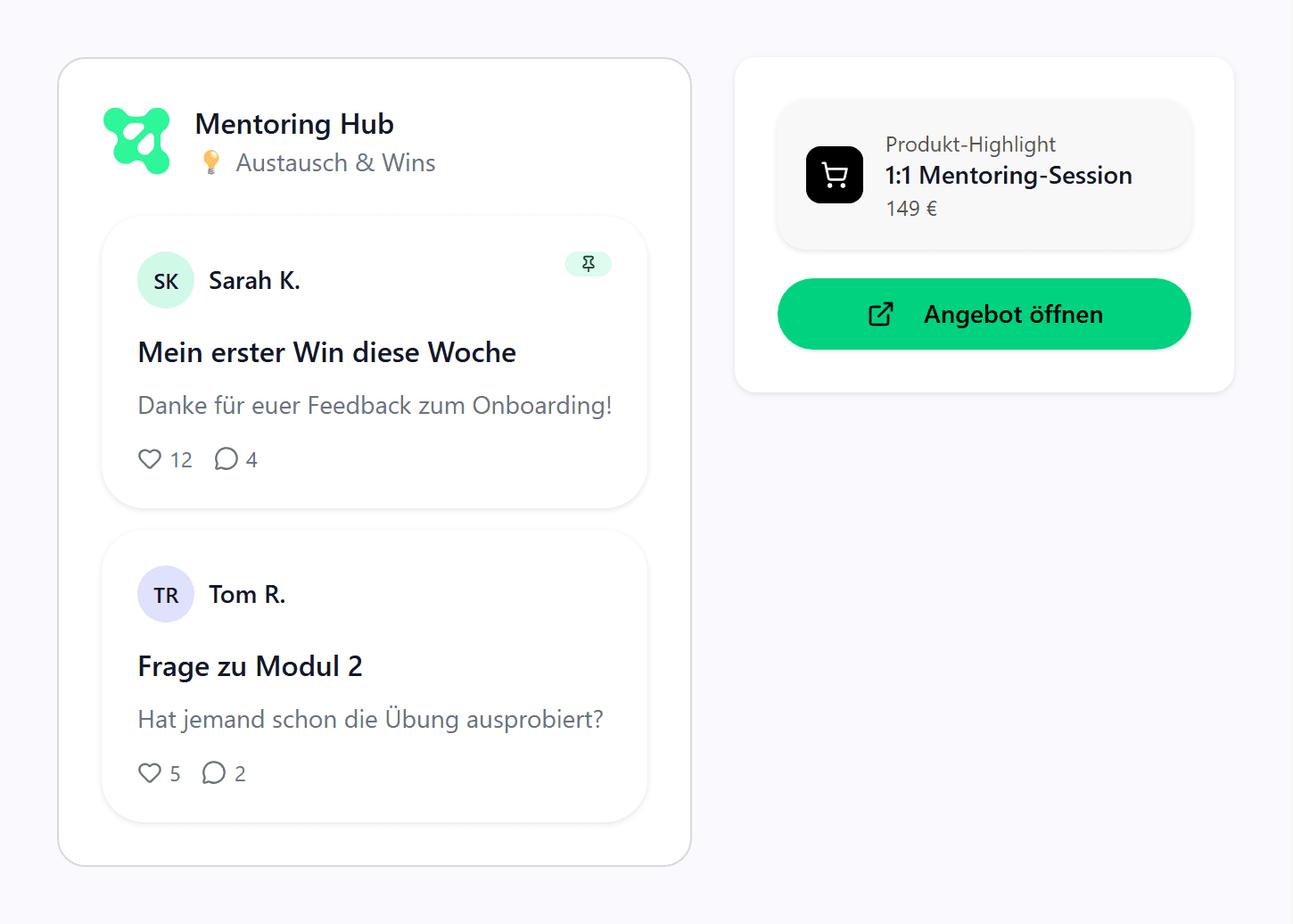
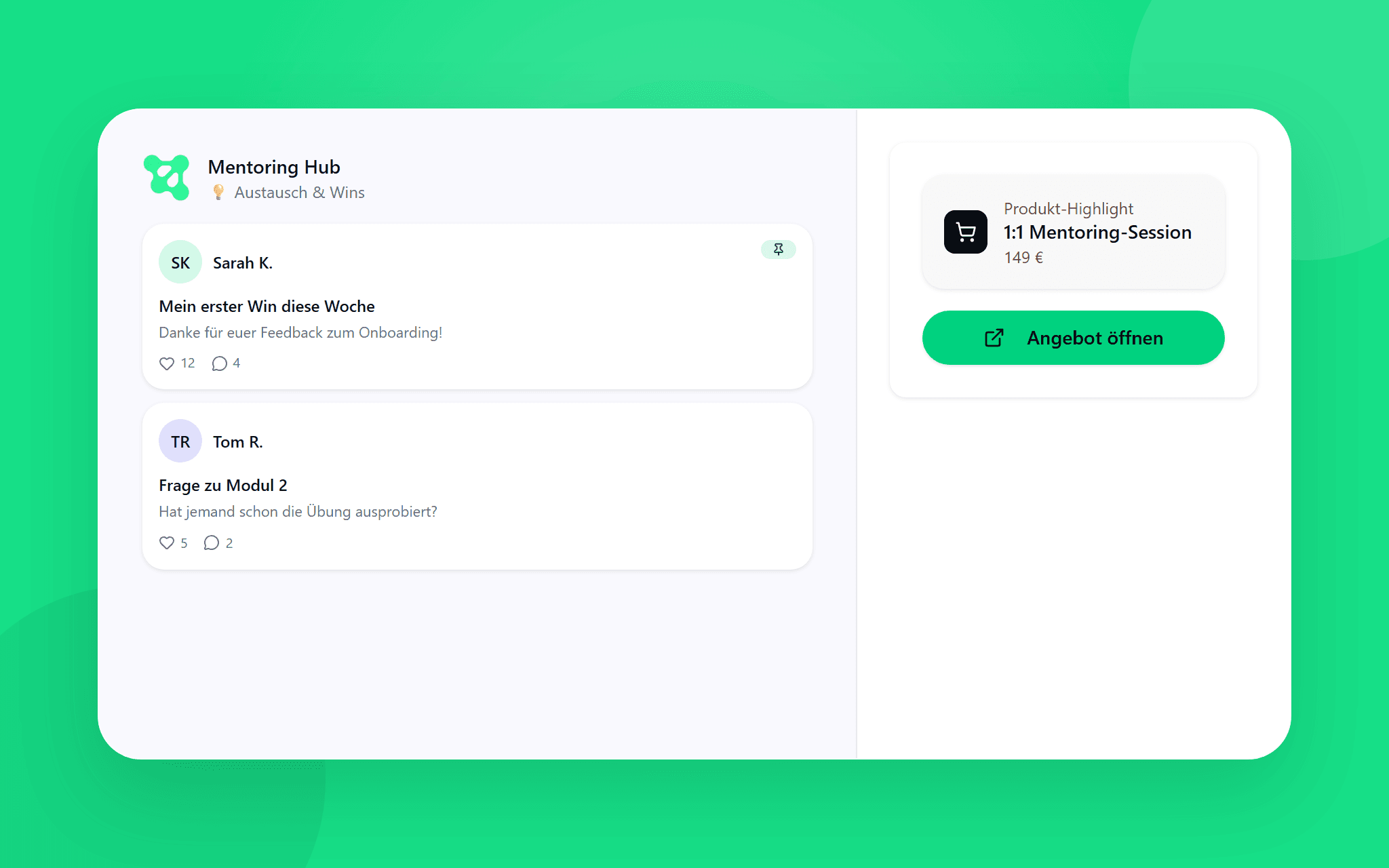
Mitglieder finden die Karte in der Sidebar im Mitgliederbereich (Feed, Räume, Chats). Dort tippen sie auf Produkt ansehen und landen im ablefy-Checkout.
Voraussetzungen
Dein ablefy-Konto ist verbunden, das Produkt ist veröffentlicht, kostenpflichtig und hat die Verkaufsfreigabe. Nur Community-Ersteller:innen können die ablefy-Verbindung herstellen.
⚙️ Schritt 1: Tab „Produkt-Highlight“ öffnen
Gehe in deine foroom-Community und wähle Produkt-Highlight.
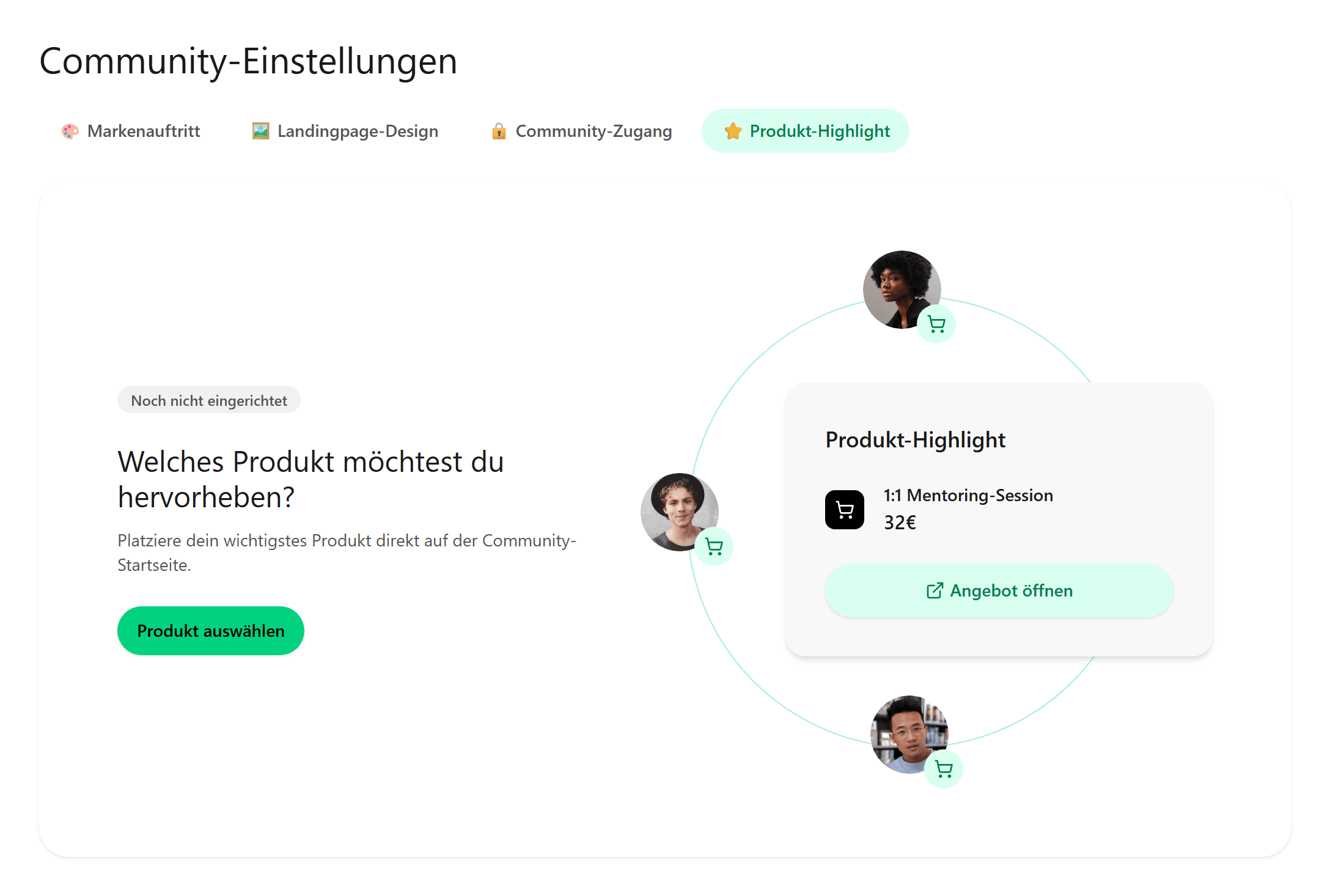
⚙️ Schritt 2: Produkt auswählen und speichern
Klicke auf Produkt auswählen. Du siehst deine veröffentlichten ablefy-Produkte — sortier- und durchsuchbar.
Wähle das Angebot, das du hervorheben möchtest, und bestätige mit Produkt auswählen & speichern.
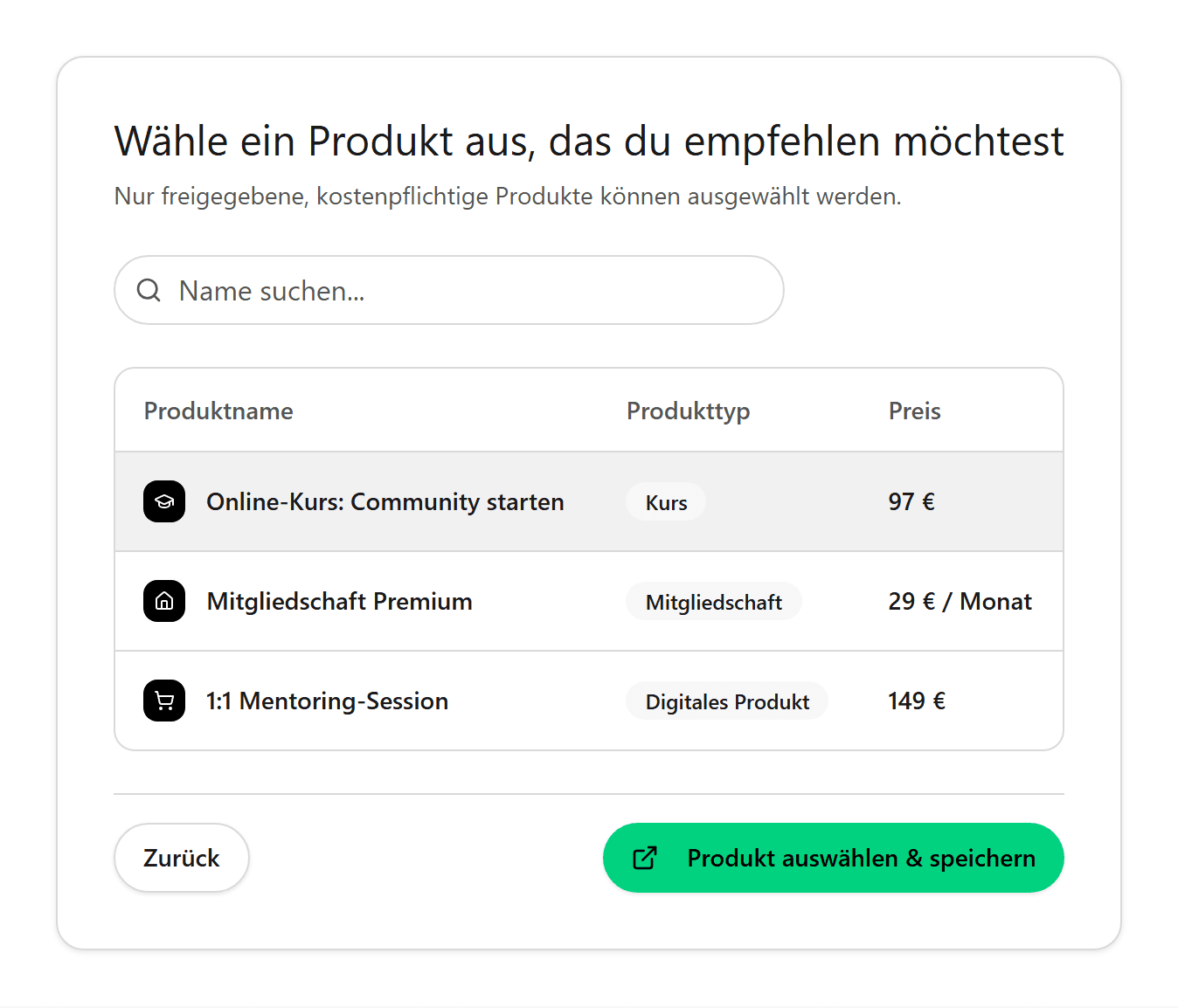
⚙️ Schritt 3: Empfehlung bestätigen
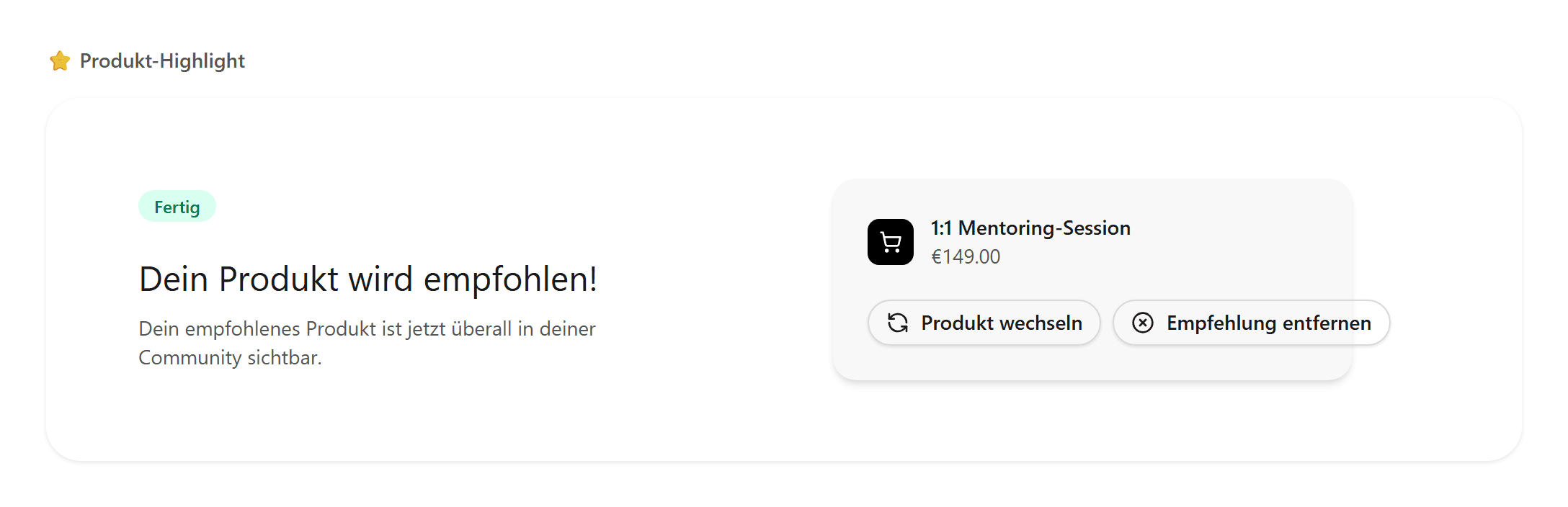
Nach dem Speichern siehst du eine Bestätigung mit deinem gewählten Produkt.
Über Produkt wechseln oder Empfehlung entfernen passt du das Highlight jederzeit an.
Verkaufsfreigabe und Checkout
Das Produkt-Highlight ersetzt keinen Community-Zugang über ein verknüpftes Produkt. Beides kann parallel sinnvoll sein: Zugang steuern und ein zusätzliches Upsell hervorheben.
Hinweis
Das Produkt braucht in ablefy die Verkaufsfreigabe. Der ablefy-Checkout aus der Sidebar ist für Community-Mitglieder — wer keine Community-Mitgliedschaft hat, kann dort nicht kaufen.
👀 So sehen Mitglieder dein Angebot
Sobald das Highlight aktiv ist, erscheint die Karte in der Sidebar für alle Mitglieder.
Ein Klick auf Produkt ansehen startet den ablefy-Checkout — ohne Copy-Paste von Links in Posts oder DMs.