

Community • 7 Min. Lesezeit
Community kostenlos oder kostenpflichtig anbieten – so richtest du den Zugang ein
Kurz gesagt
Du entscheidest, wie neue Mitglieder Teil deiner Community werden. Ob als kostenfreie Freebie-Community oder als kostenpflichtige Mitgliedschaft – du bestimmst, wie der Zugang funktioniert.
Verknüpfe deine Community mit einem ablefy-Produkt und automatisiere Zugang, Abrechnung und Mitgliederverwaltung. Wie das funktioniert, zeigen wir dir in diesem Artikel.
🔐 So richtest du den Community-Zugang ein
Es gibt zwei Möglichkeiten, wie Mitglieder deiner Community beitreten können.
1. Direkter Beitritt über foroom
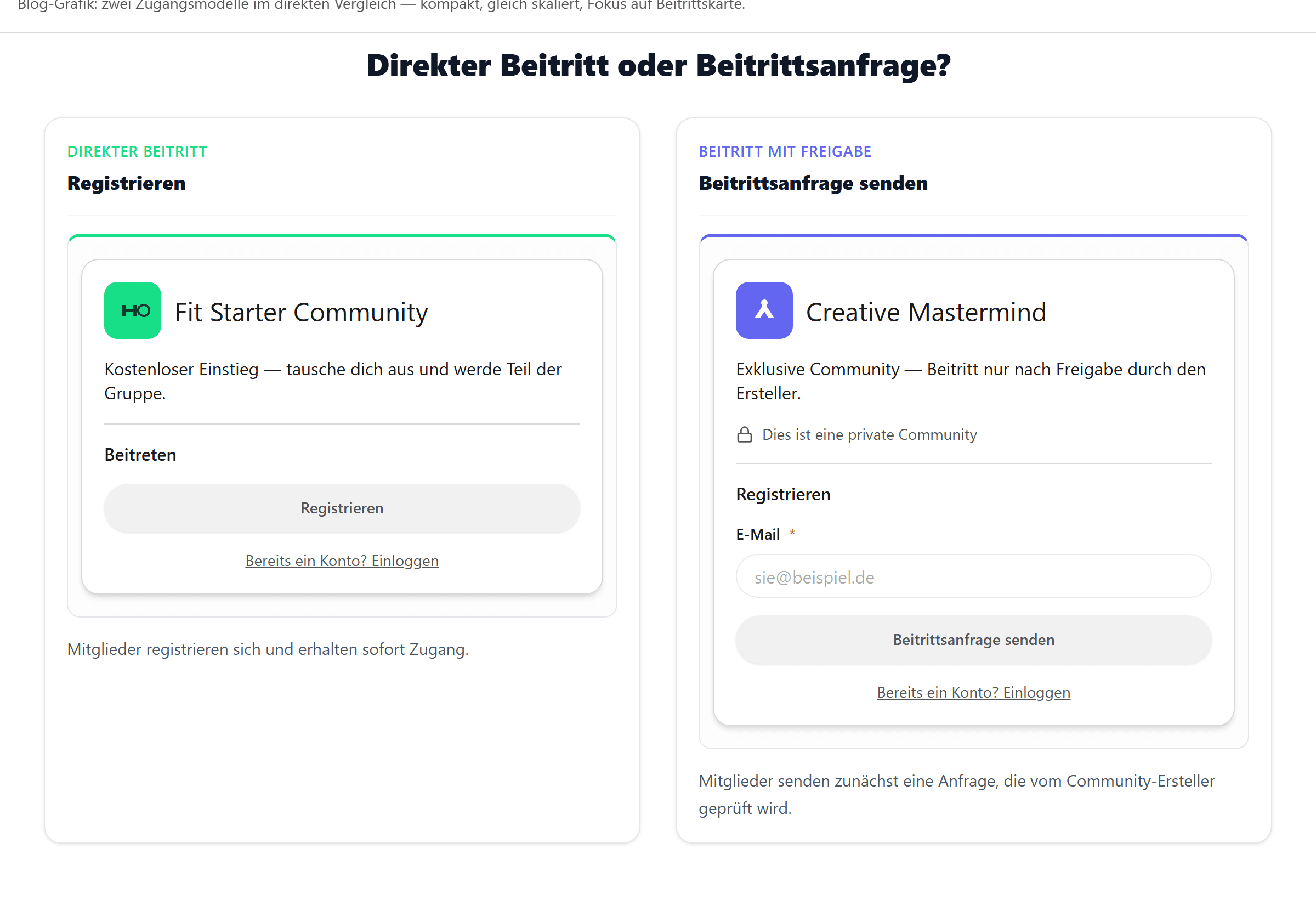
Teile einfach den Link zu deiner Community oder verschicke eine Einladung per E-Mail. Mitglieder können deiner Community entweder direkt beitreten oder zunächst über deine Landingpage eine Beitrittsanfrage senden.
Diese Variante eignet sich besonders für:
• private Communities
• erste Tests mit foroom
• kostenlose Communities ohne ablefy-Integration
Die Mitgliederverwaltung erfolgt hierbei manuell.
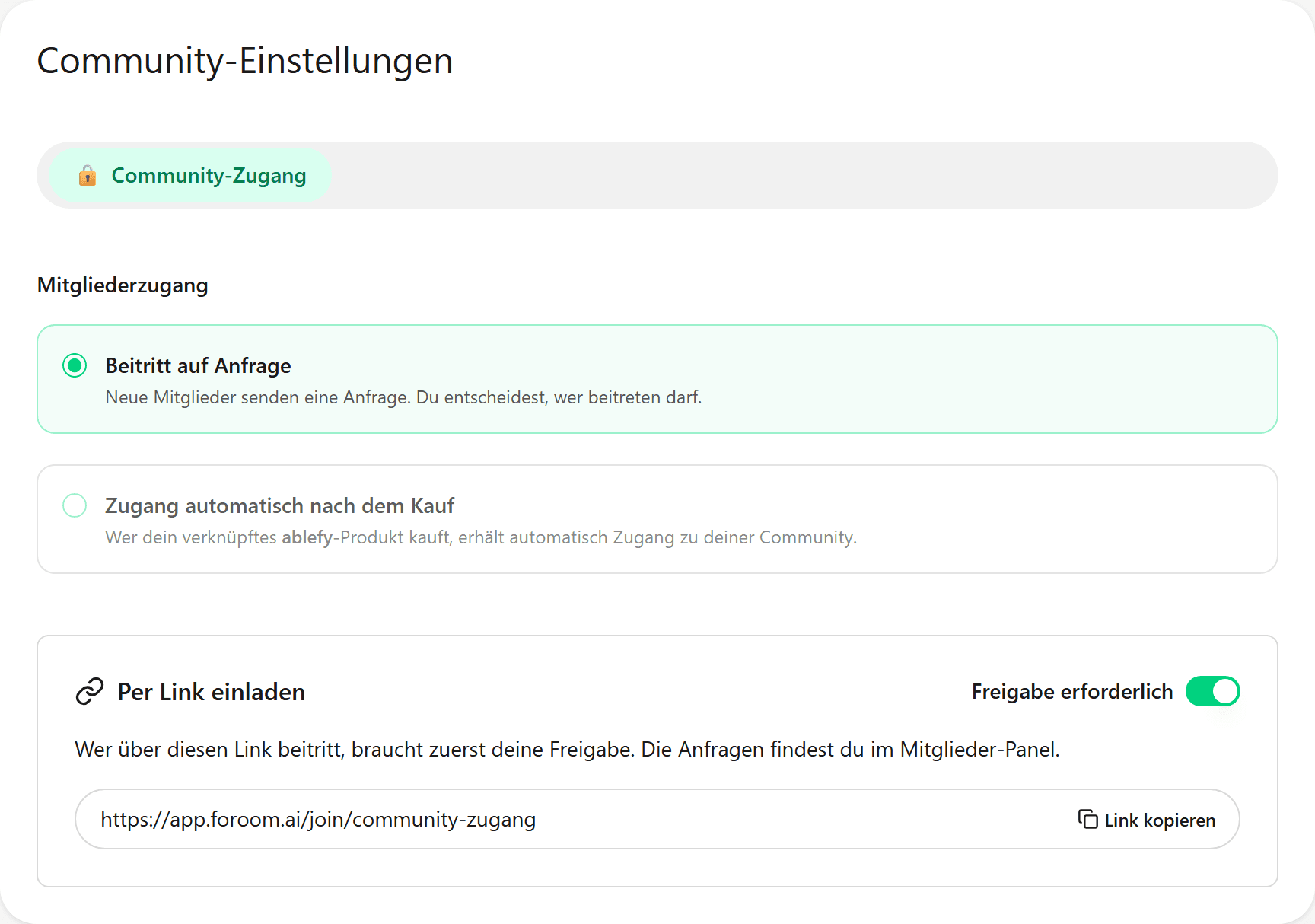
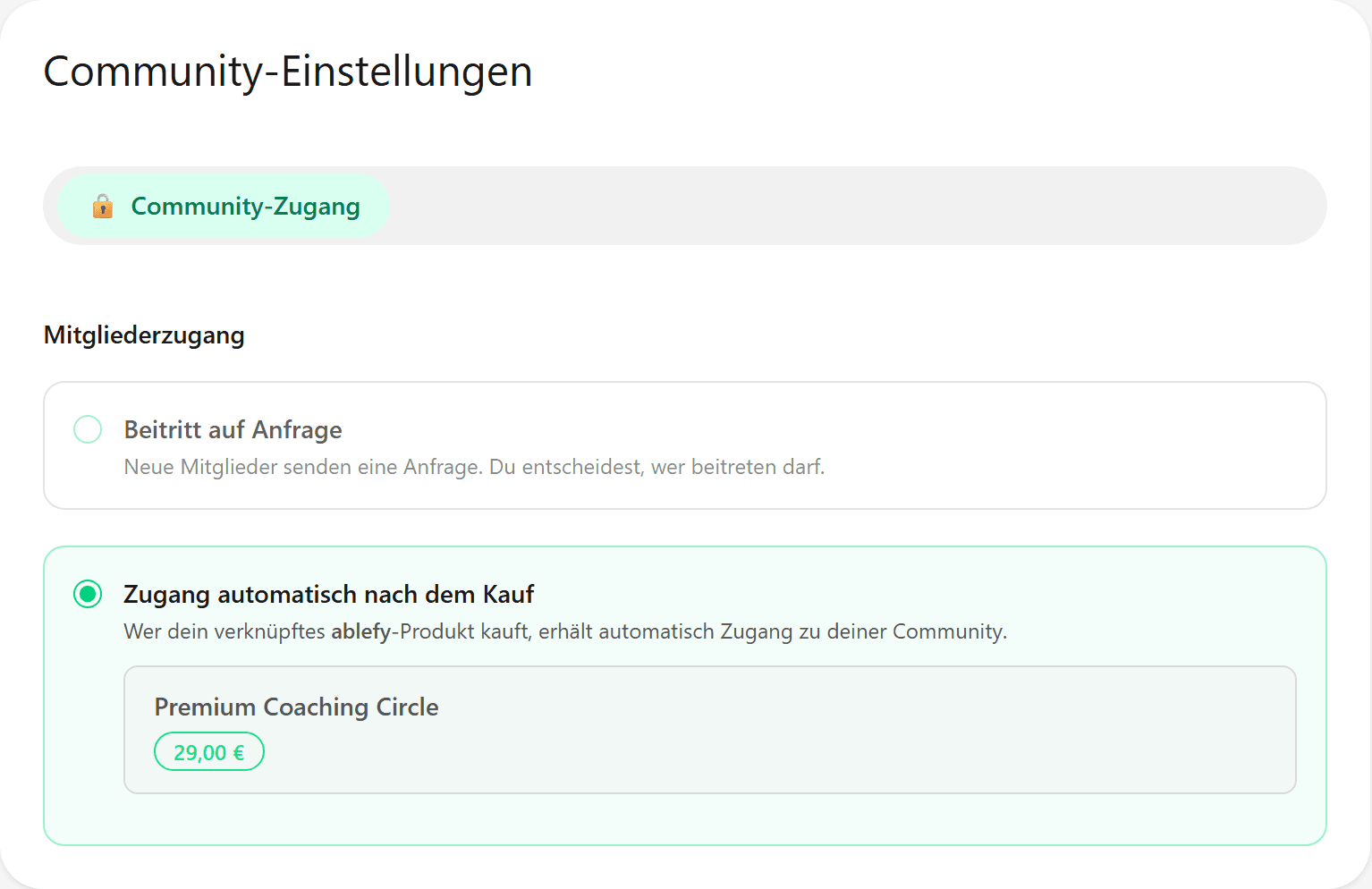
2. ⭐ Automatisierter Community-Zugang über ablefy (empfohlen)
Erstelle ein neues ablefy-Produkt oder verknüpfe eines deiner bestehenden Produkte mit deiner foroom-Community. Dadurch automatisierst du nicht nur den Community-Zugang, sondern steuerst gleichzeitig auch die Monetarisierung deiner Community.
Über den Zahlungsplan deines ablefy-Produkts legst du fest, wie Mitglieder beitreten:
• 🆓 Kostenlos (0 €)
• 💳 Einmalzahlung
• 🔄 Monatliches oder jährliches Abonnement
So kannst du dieselbe Community flexibel als kostenlosen Lead-Magneten, eigenständige Mitgliedschaft oder als Ergänzung zu einem Online-Kurs anbieten.
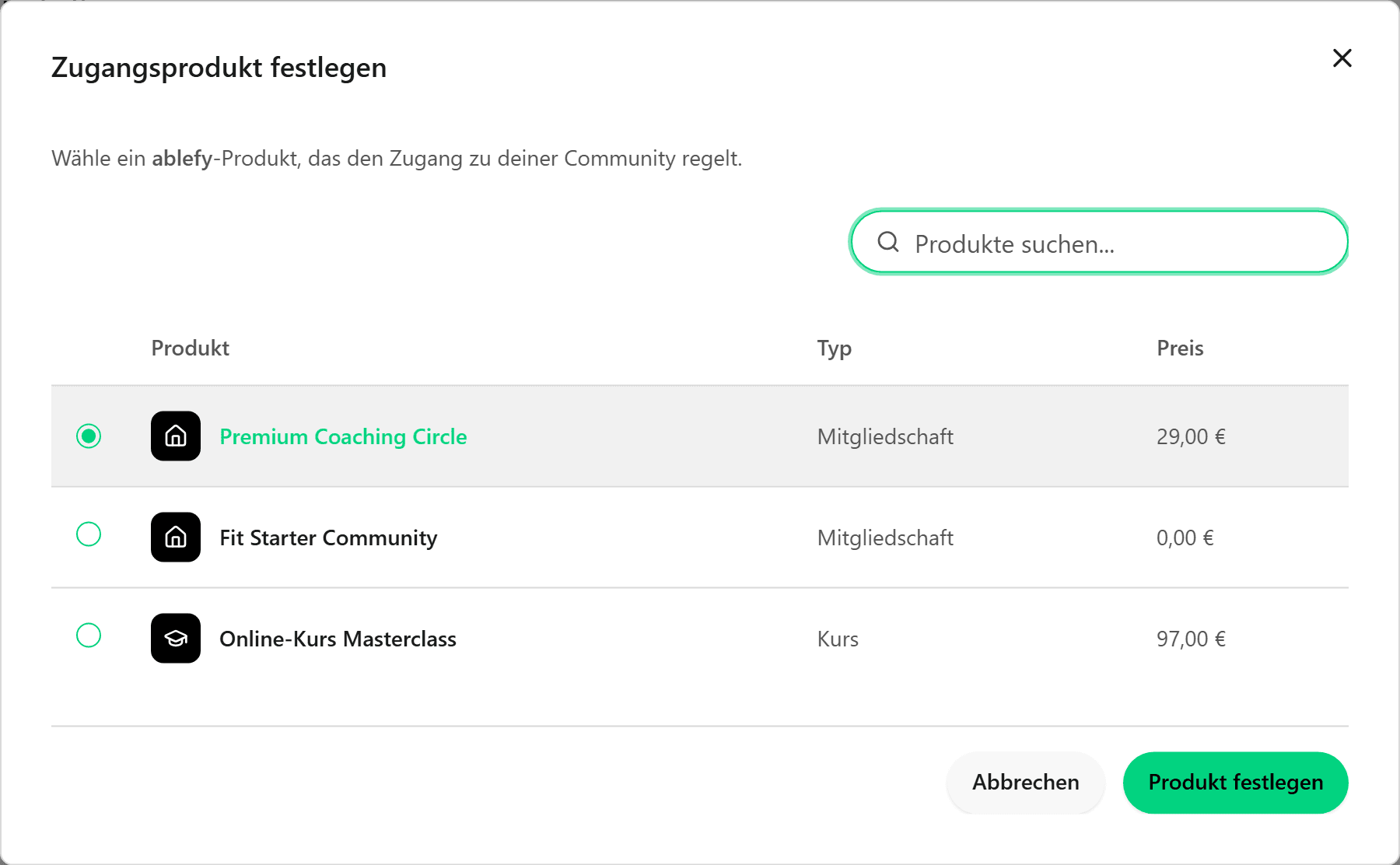
Automatische Mitgliederverwaltung nach der Verknüpfung
Hinweis
Das verknüpfte Produkt muss in ablefy auf „Verkaufsfreigabe aktiviert“ stehen, damit es in foroom ausgewählt werden kann.
Sobald deine Community mit einem ablefy-Produkt verbunden ist, übernimmt foroom die Mitgliederverwaltung automatisch:
✅ Produktkauf → sofortiger Community-Zugang
✅ Kündigung oder Ablauf eines Abonnements → automatischer Entzug des Zugangs
✅ Keine manuellen Einladungen oder Freischaltungen
👀 So sehen Besucher deine Community
Jede Community besitzt automatisch eine eigene Landingpage mit persönlichem Link. Diesen kannst du überall dort teilen, wo du deine Community bewerben möchtest – zum Beispiel auf Social Media, in Newslettern, Podcasts, auf deiner Website, in Freebies oder direkt in deinen ablefy-Produkten.
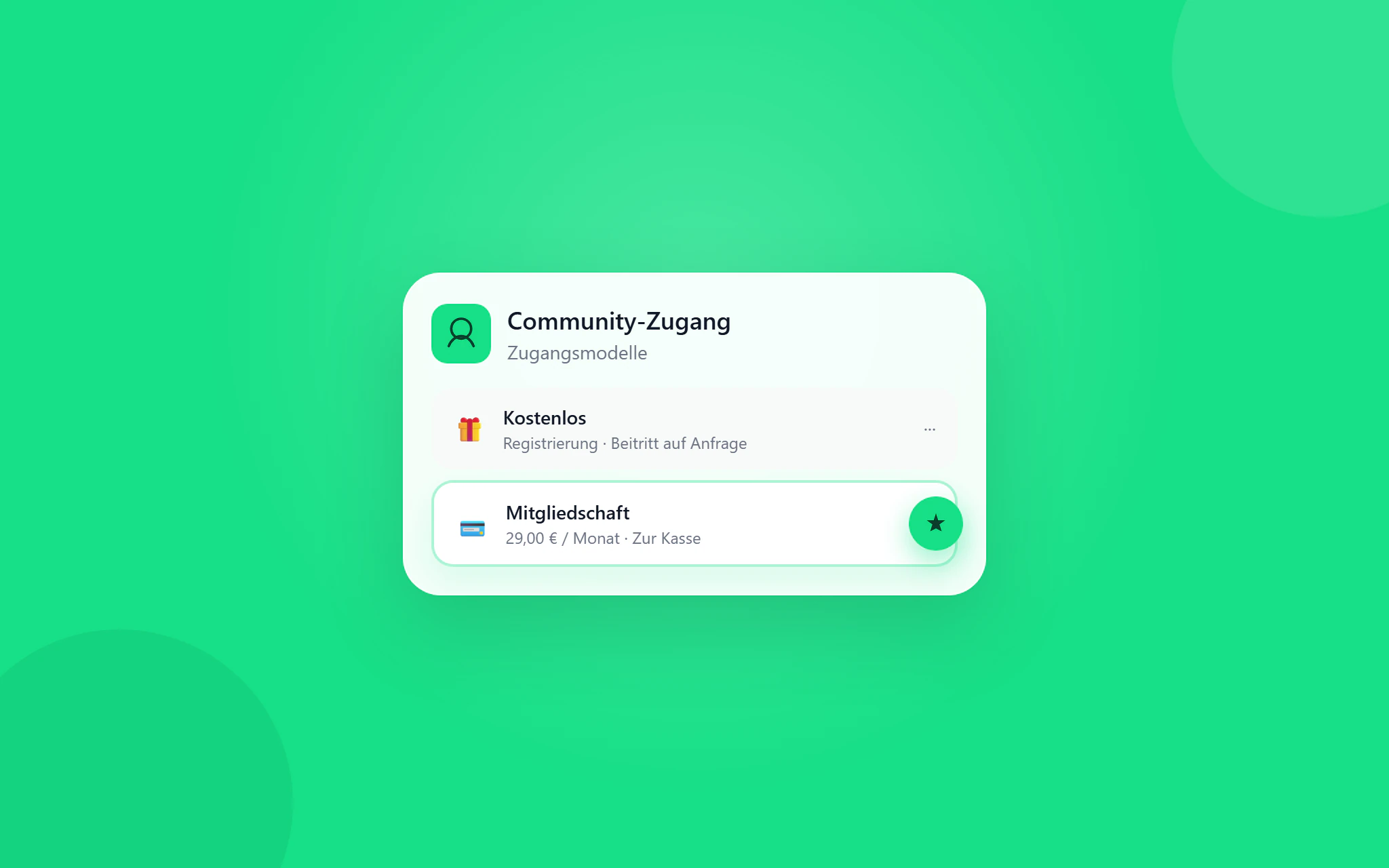
Je nach deinen Einstellungen können Besucher sich direkt registrieren oder zunächst eine Beitrittsanfrage senden. So unterscheiden sich die beiden Varianten auf der Landingpage:
🌱 Der passende Community-Zugang für dein Business
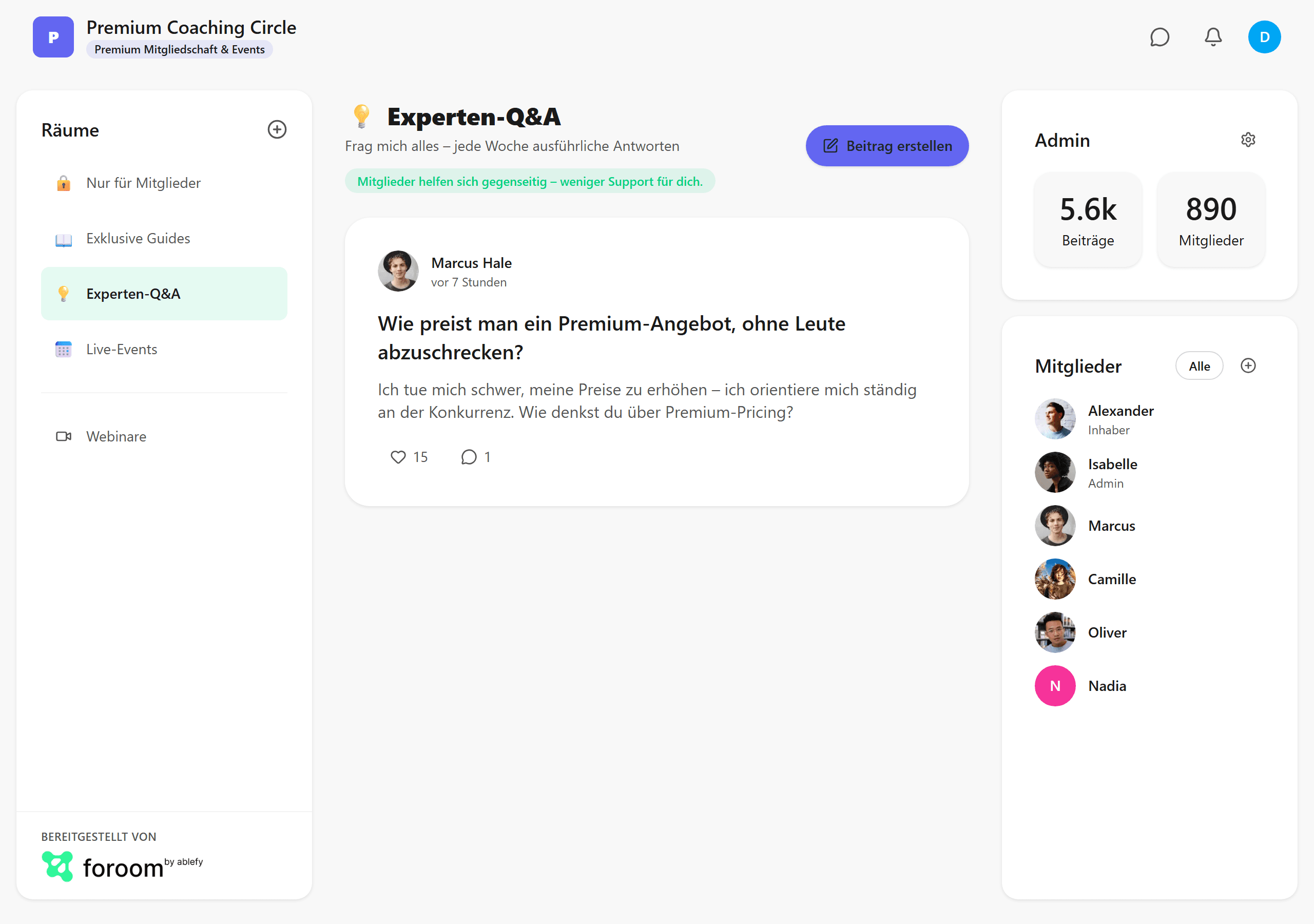
Ob kostenlose Lead-Community, exklusive Mitglieder-Community oder kostenpflichtiges Community-Angebot – mit foroom entscheidest du selbst, wie Menschen Teil deiner Community werden.
Die direkte Integration mit ablefy übernimmt Kauf, Community-Zugang und Mitgliederverwaltung automatisch, sodass du dich ganz auf den Aufbau deiner Community konzentrieren kannst.