
Community • 5 Min. Lesezeit
So installierst du foroom als App auf Handy und Desktop
Kurz gesagt
Du kannst foroom auf iPhone, Android und am Desktop wie eine App nutzen — ohne App Store. Nach dem Login in deiner Community fügst du foroom zum Home-Bildschirm oder Dock hinzu und öffnest Räume, Posts und Nachrichten im Vollbild.
Der Installationshinweis erscheint automatisch, sobald du angemeldet bist. So bleibst du schneller in deiner Community dran, ohne jedes Mal einen Browser-Tab zu suchen.
🔍 Browser oder installierte App?
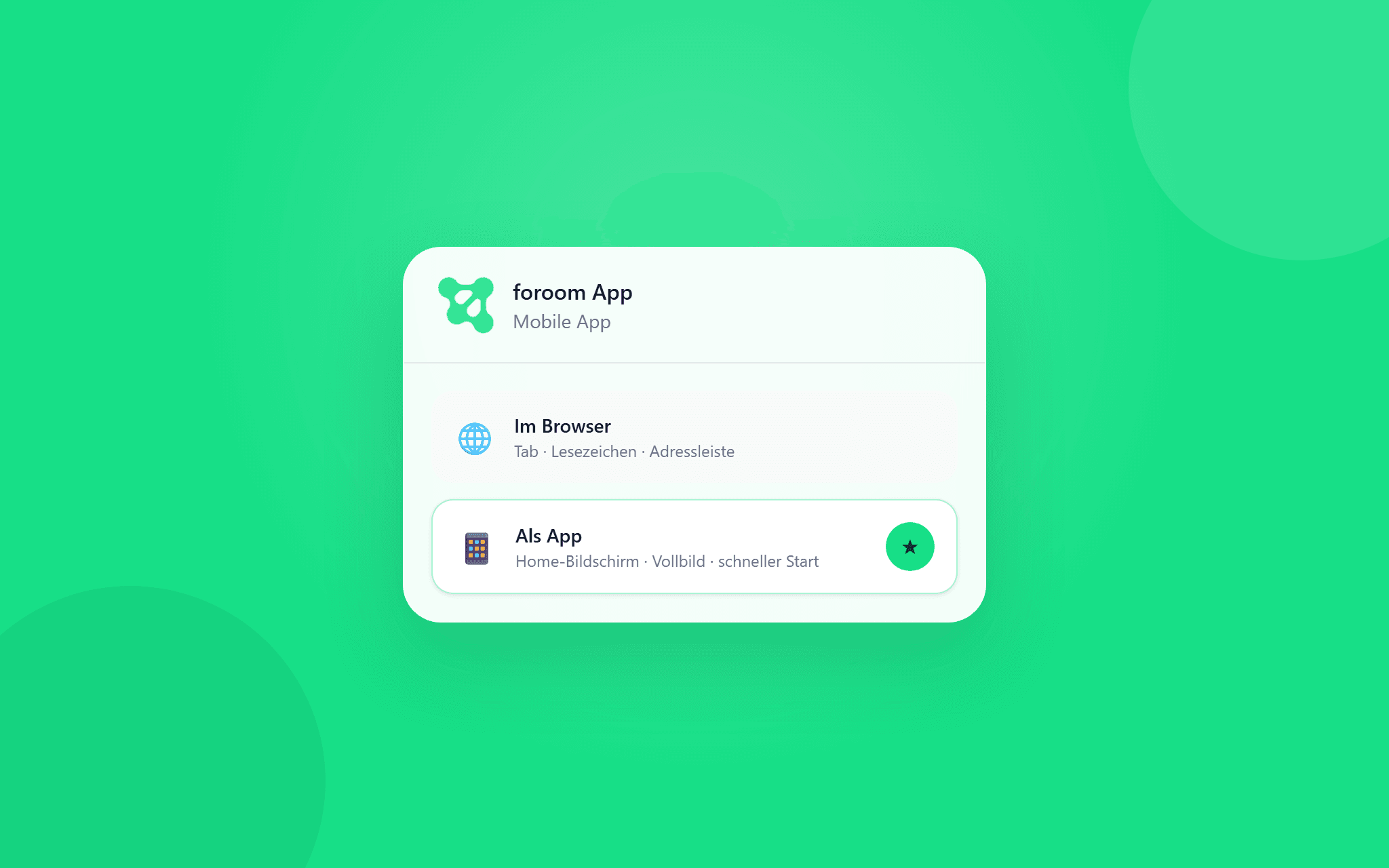
Im Browser funktioniert foroom wie gewohnt. Installierst du foroom auf dem Gerät, startest du deine Community über ein Icon — ohne Adressleiste, mit mehr Platz für Feed und Diskussionen.
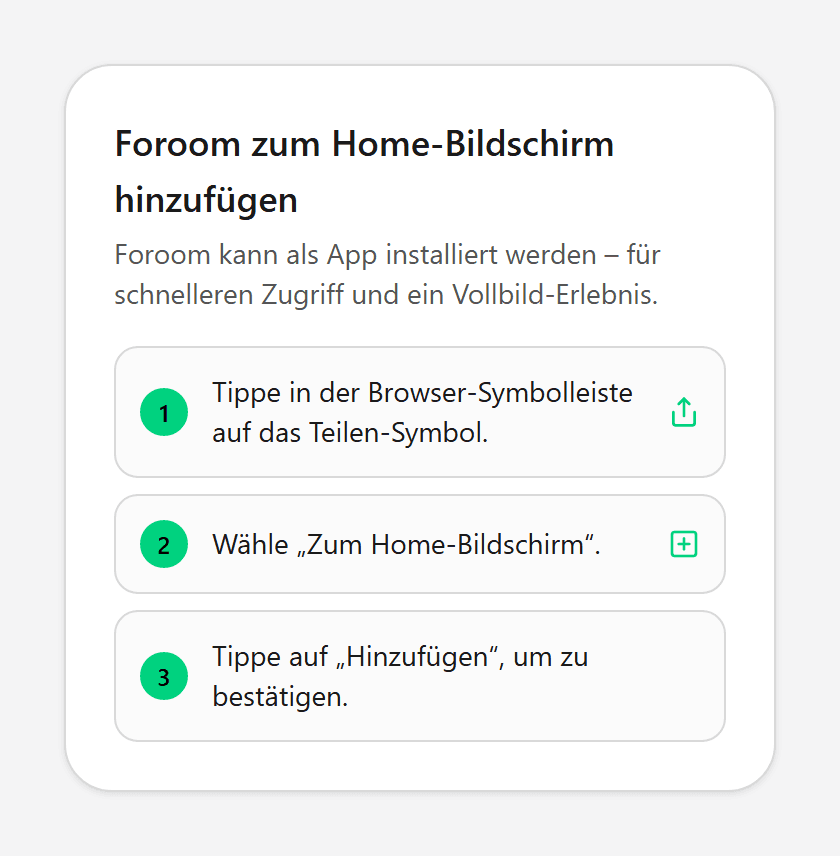
Es gibt keinen App-Store-Download. Android und Chrome nutzen oft einen System-Dialog zum Installieren. iPhone, iPad und Safari am Mac führen dich über Teilen und Zum Home-Bildschirm bzw. Zum Dock hinzufügen.
⚙️ foroom auf dem Handy installieren
Melde dich in deiner Community an und öffne foroom im Browser auf dem Smartphone. Banner und Profil-Eintrag erscheinen nur für angemeldete Mitglieder — nicht auf der Marketing-Startseite.
1. Banner am unteren Bildschirmrand
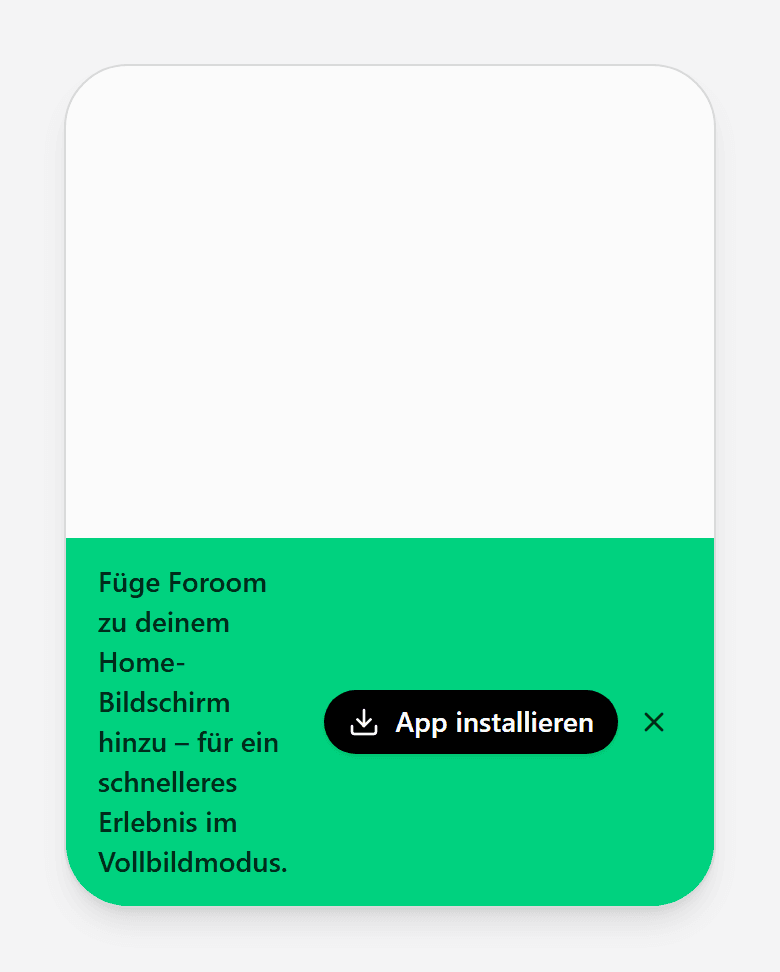
Unten siehst du einen grünen Hinweis mit App installieren. Ein Tipp startet den passenden nächsten Schritt für dein Gerät: System-Dialog auf Android bzw. die Anleitung in foroom auf iPhone und iPad.
Schließt du den Hinweis, bleibt App installieren im Profilmenü.
2. Auf dem Handy über dein Profilmenü
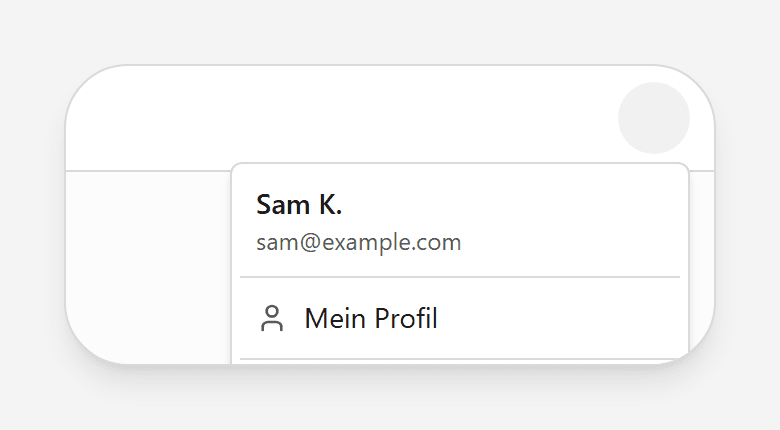
Nur auf dem Smartphone: Tippe oben rechts auf dein Profilbild. Im Menü findest du App installieren — derselbe Ablauf wie beim Banner (System-Dialog auf Android, Anleitung in Safari).
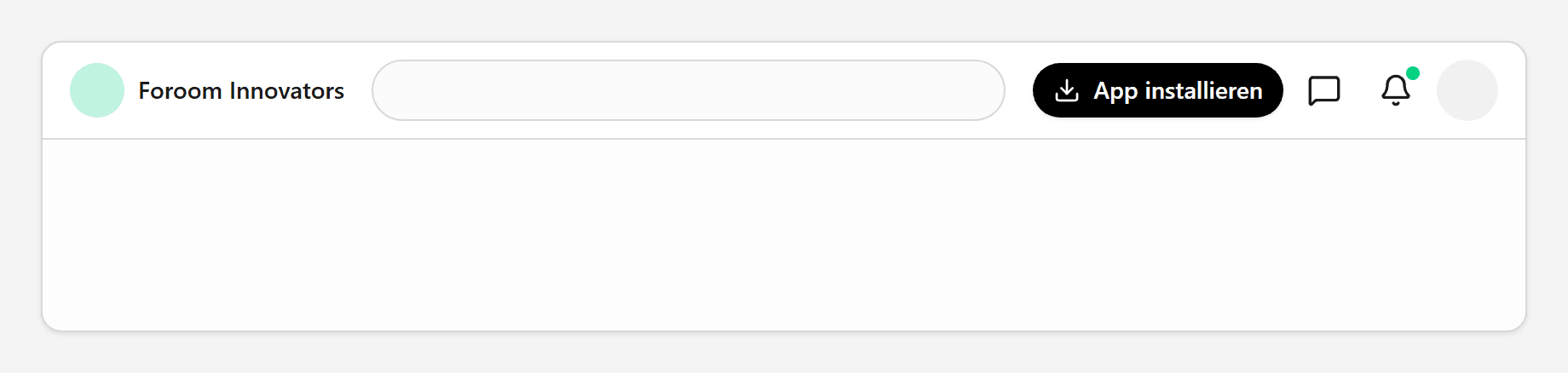
Am Desktop liegt App installieren nicht im Profilmenü, sondern in der oberen Leiste neben Nachrichten und Benachrichtigungen — dazu weiter unten im Abschnitt zur Desktop-Installation.
📱 iPhone oder Android?
Der Einstieg ist gleich: Banner oder Profilmenü → App installieren. Was danach passiert, unterscheidet sich — foroom erkennt dein Gerät automatisch.
💡 Hinweis
Siehst du weder Dialog noch Anleitung, prüfe ob du angemeldet bist und ob dein Browser Installationen erlaubt. Private Tabs blockieren das oft.
iPhone und iPad: Apple erlaubt keinen Install-Dialog im Browser — auch nicht in Chrome oder Firefox auf iOS. Du siehst die Schritte Zum Home-Bildschirm direkt in foroom.
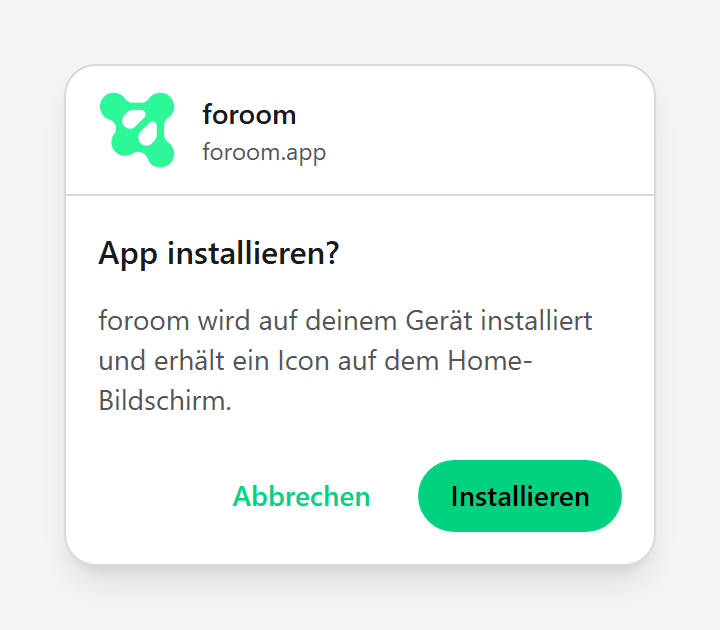
Android und Chrome: Wenn der Browser Web-Apps unterstützt, erscheint der System-Dialog zum Bestätigen. Danach liegt das Icon auf deinem Home-Bildschirm.
⚙️ foroom am Desktop installieren
Am Laptop oder PC erscheint App installieren in der oberen Leiste — nur auf Desktop, nicht im Handy-Profilmenü. In Chrome oder Edge öffnet der Button oft den System-Dialog.
In Safari am Mac (macOS Sonoma 14+) zeigt foroom die Anleitung Zum Dock hinzufügen — wie auf dem iPhone, nur für das Dock.
📱 Tab oder App-Icon?
Im Browser-Tab teilst du oft die Adressleiste mit anderen Seiten. Die installierte App startet direkt in foroom — praktisch, wenn du täglich in dieselbe Community gehst.
Push-Benachrichtigungen für Direktnachrichten funktionieren in unterstützten Browsern zusätzlich, wenn du sie in den Einstellungen aktivierst. Die App-Installation ist unabhängig davon.
👀 So wirkt foroom als App
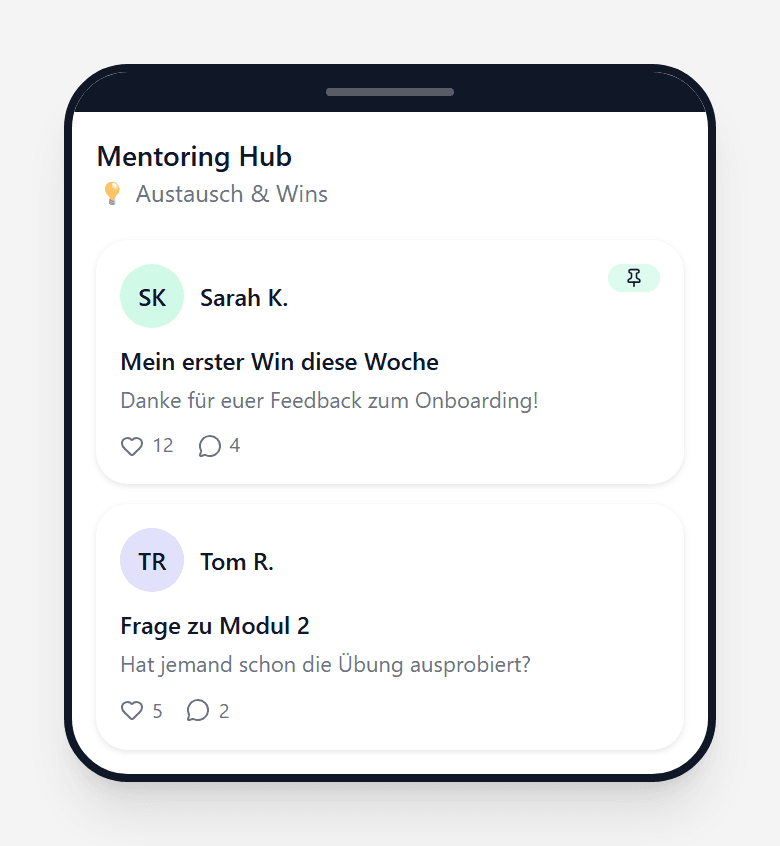
Nach der Installation öffnest du Räume und den Feed wie gewohnt — nur ohne Browser-Chrome. Du bleibst in derselben Community, mit denselben Berechtigungen wie zuvor.